How to make your number private on Android when calling someone 📱 #tech #shorts
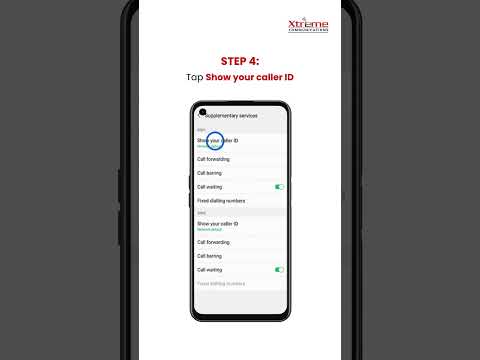
Ever wanted to keep your number private when calling someone 📱Here's a quick guide to help you: 1️⃣ Open the Phone app 2️⃣ Tap the 3 dots (top right) → Settings 3️⃣ Go to Call Settings 4️⃣ Tap Additional Settings → Caller ID 5️⃣ Select Hide Number 🕶️ That's it. You're now calling incognito. 🔍 Follow us for ...